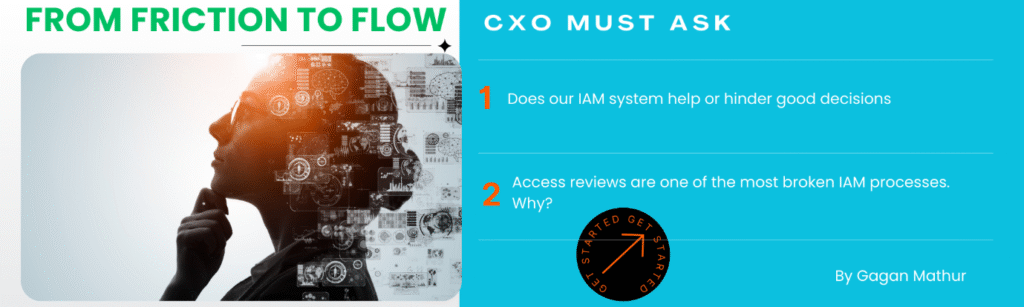
I have spent decades designing, fixing, and rescuing IAM programs across large enterprises. Different industries, different geographies, different threat landscapes, but one pattern repeats itself everywhere.
IAM rarely fails because of weak technology.
It fails because it is designed without humans in mind.
We invest heavily in platforms.
We automate workflows.
We enforce Zero Trust.
And yet, access sprawl grows. Approvals happen blindly. Privileged access quietly accumulates. Employees look for shortcuts.
That is not defiance.
That is friction. This blog is about moving from friction to flow, and what it truly means to design IAM that works with people, not against them.
Why IAM Friction Is a Business Risk, not a UX Issue
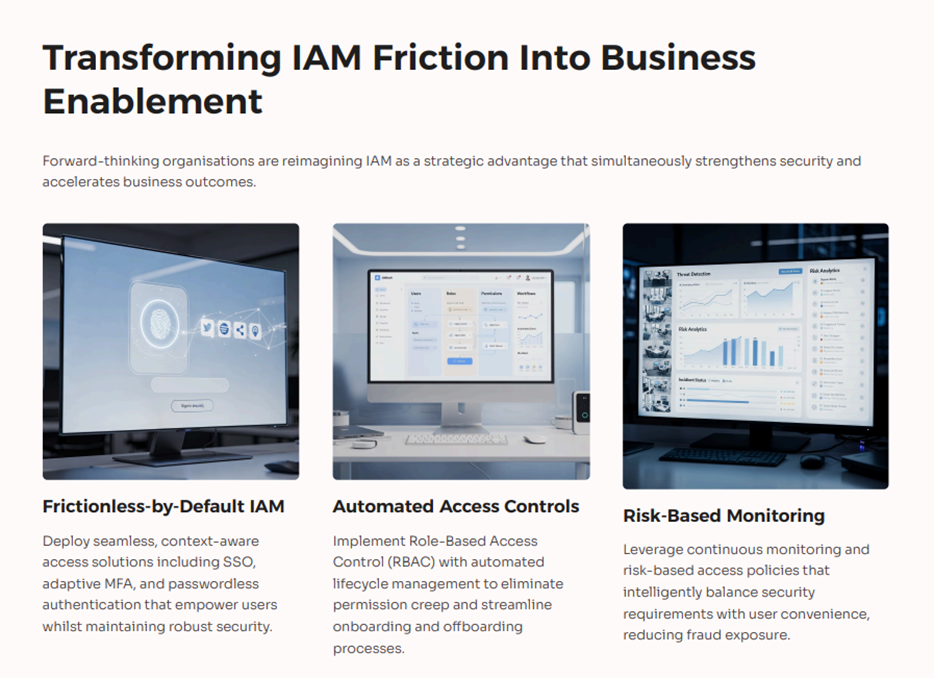
IAM friction is often dismissed as a “user experience problem.”
That framing is dangerous.
When IAM creates friction:
- Managers approve access without reading details,
- Employees hoard access “just in case,”
- Admins bypass controls to meet delivery timelines,
- Access reviews become checkbox exercises.
Each of these behaviours increases identity risk.
From a CXO lens, friction directly impacts:
- security posture,
- audit outcomes,
- operational velocity,
- employee trust,
- and brand credibility.
"Friction is not neutral. It compounds risk silently."
Let’s be honest about what happens in real organisations.
Common symptoms I see repeatedly:
- Access reviews completed in minutes for systems that took years to build
- Managers approving roles they don’t understand
- “Temporary access” that becomes permanent
- IAM teams are firefighting instead of governing
- Employees treating security as an obstacle, not protection
None of this is caused by malicious intent.
It is caused by cognitive overload.
IAM Is a Behavioural System, Not Just a Technical One
Most IAM architectures are designed around:
- systems,
- roles,
- policies,
- controls.
Very few are designed around human decision-making.
Yet IAM depends on humans to:
- request access,
- approve access,
- review access,
- escalate exceptions,
- remove access.
If your system assumes people will behave like machines, it will fail.
Human-friendly IAM begins by acknowledging one truth: people operate under pressure, distraction, and time constraints.
From Friction to Flow: The CXO Design Shift
Designing human-friendly IAM requires a mindset shift at the leadership level.
Not:
“How do we enforce tighter controls?”
But:
“How do we help people make better access decisions by default?”
Flow is achieved when:
- Secure behaviour is the easiest behaviour,
- risky actions feel uncomfortable,
- access decisions are intuitive,
- and users trust the system instead of fighting it.
Principle 1: Reduce Cognitive Load at Every IAM Touchpoint
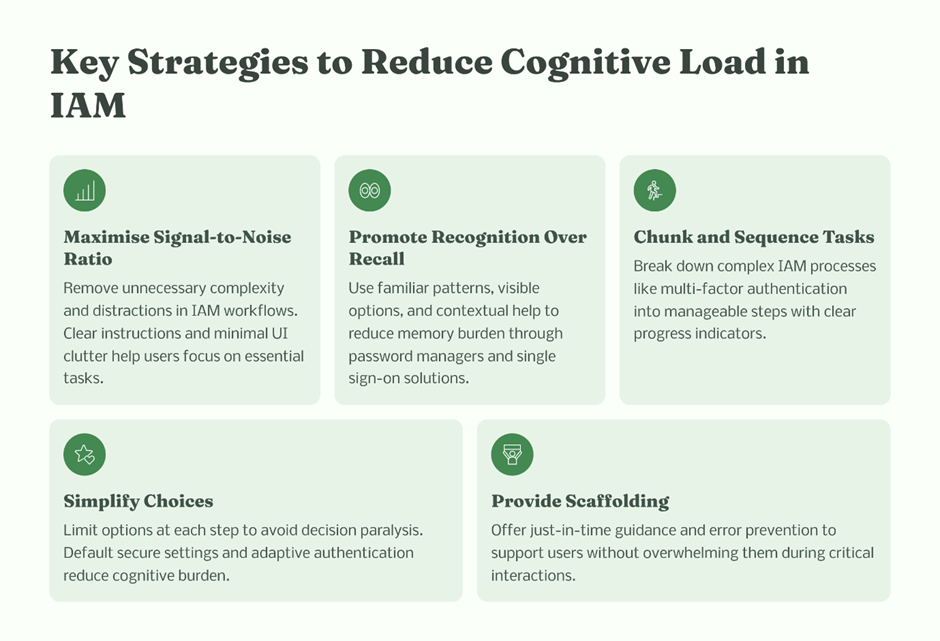
Cognitive load is the silent killer of access governance.
Where overload happens
- entitlement-heavy approval screens,
- cryptic role names,
- excessive approval steps,
- unclear risk signals.
When humans are overloaded, they default to speed.
Human-friendly IAM design actions
- Use plain language alongside technical role names
- Group entitlements by business outcome, not system architecture
- Limit information to what is needed for that decision
- Remove unnecessary approval layers
Example:
One global enterprise reduced approval errors by 40% simply by replacing role codes with business-readable descriptions.
Principle 2: Design for Decisions, Not Clicks
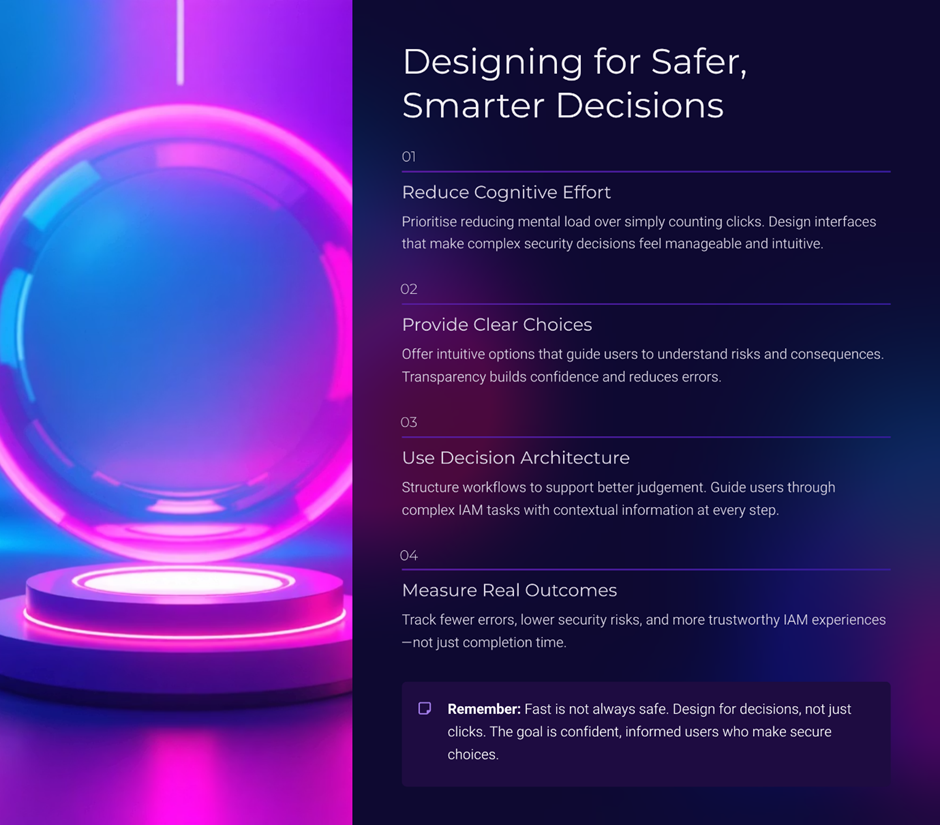
Many IAM workflows optimise for:
- fewer clicks,
- faster completion.
That’s a mistake.
Speed without understanding increases risk.
What decision-centric design looks like
- Slow down high-risk approvals intentionally
- Add context only when privilege levels cross thresholds
- Surface “why this access matters” clearly
"Micro-nudges outperform training"
A short sentence like:
“This role grants production write access to customer data.”
is more effective than:
- annual IAM training,
- policy documents,
- security reminders.
Principle 3: Make Risk Visible at the Moment of Action
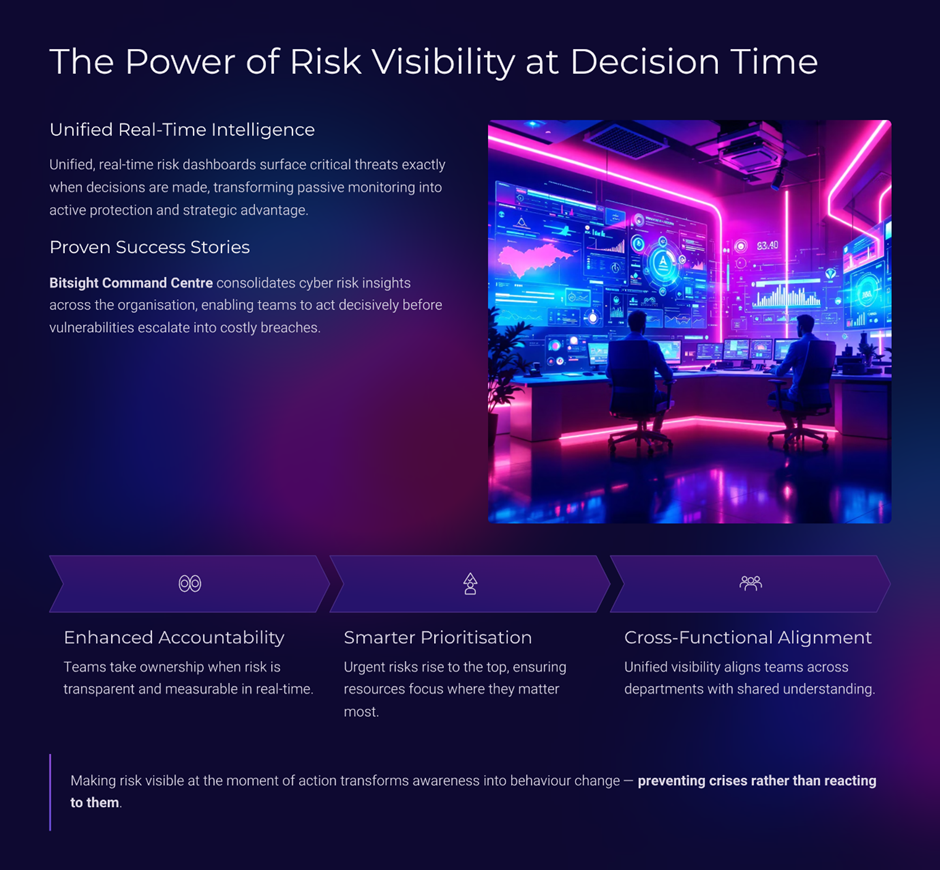
Risk hidden in dashboards does not change behaviour.
Risk visible at decision time does.
Effective risk signalling
- colour-coded risk indicators,
- privilege badges,
- comparative access (“most users don’t have this access”),
- time-bound warnings.
Real-world impact
In one organisation, introducing visual risk markers reduced over-provisioned access by more than 30%, without changing policy.
Visibility creates accountability without confrontation.
Principle 4: Replace Enforcement-Heavy Controls with Guided Controls
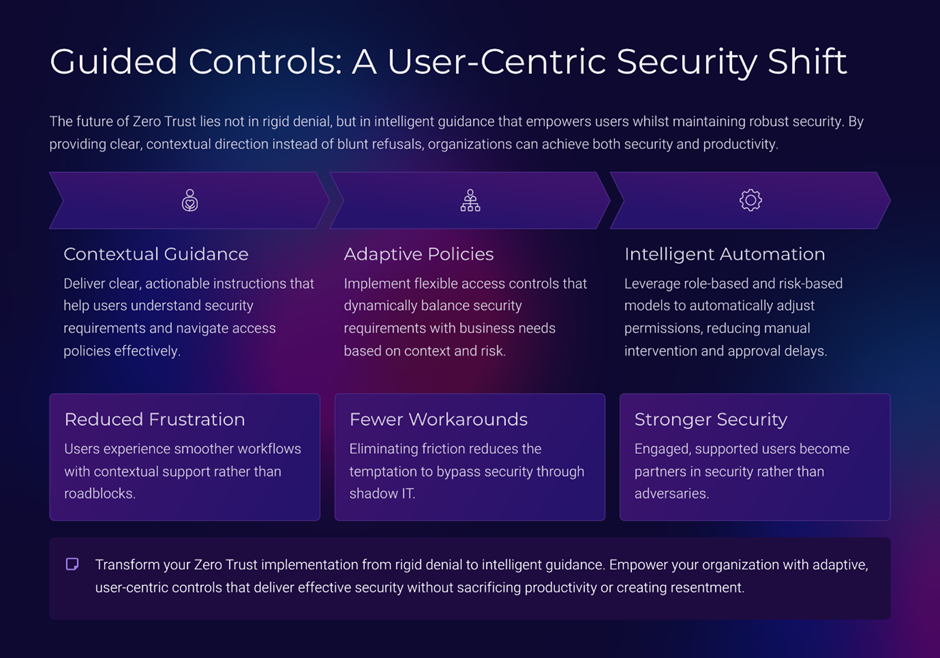
Zero Trust is often implemented as denial-first.
That approach creates resentment and workarounds.
Guided security focuses on
- explaining restrictions,
- offering safer alternatives,
- supporting productivity without compromising controls.
Examples
- Suggesting least-privilege roles automatically
- Offering temporary access with auto-expiry by default
- Explaining access removal proactively
Security that guides builds trust.
Security that surprises erodes it.
Principle 5: Design Access Reviews for Humans, Not Auditors
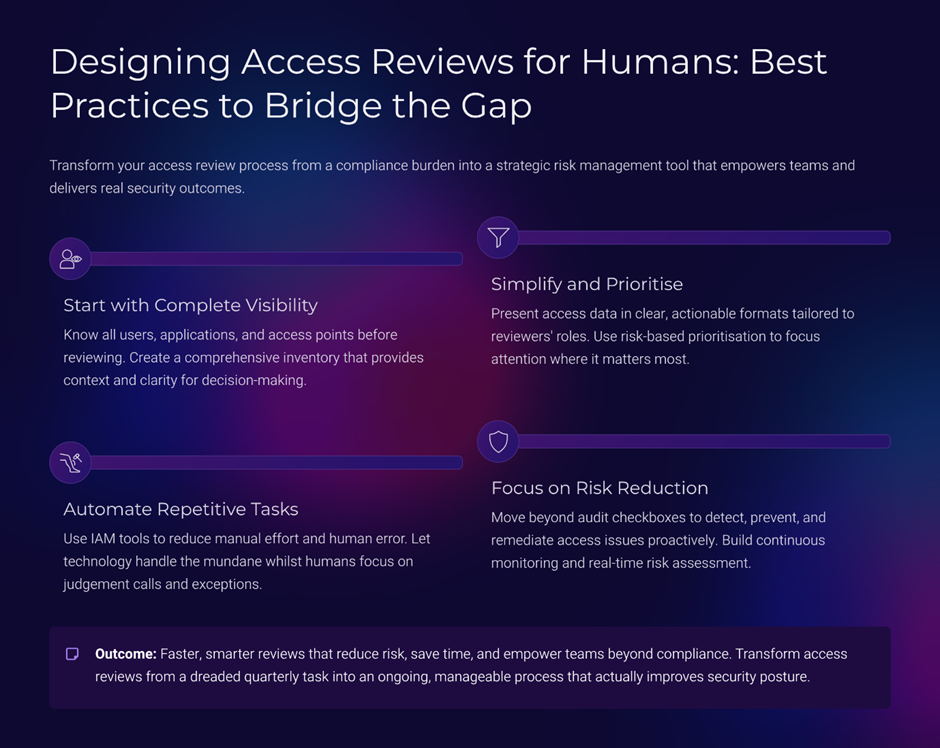
Access reviews are one of the most broken IAM processes.
Why?
Because they are designed for compliance, not cognition.
What usually goes wrong
- too many entitlements per review,
- no prioritisation,
- no explanation of risk,
- unrealistic timelines.
Human-centric review design
- risk-based prioritisation,
- staged reviews instead of bulk approvals,
- contextual summaries,
- focused decisions.
"Access reviews should feel manageable, not punitive."
Principle 6: Respect the Psychology of Privilege
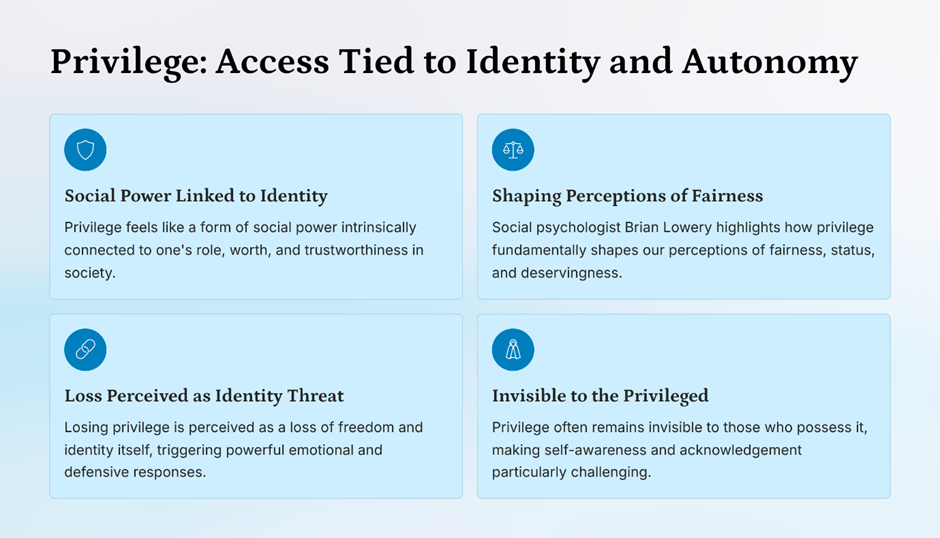
Privilege carries psychological weight.
People associate access with:
- responsibility,
- status,
- trust.
Removing access without explanation triggers resistance.
Better privilege hygiene
- explain why access is changing,
- frame reduction as protection, not punishment,
- acknowledge role transitions.
This reduces:
- pushback,
- shadow access,
- escalation noise.
Principle 7: Align IAM with How Work Actually Happens
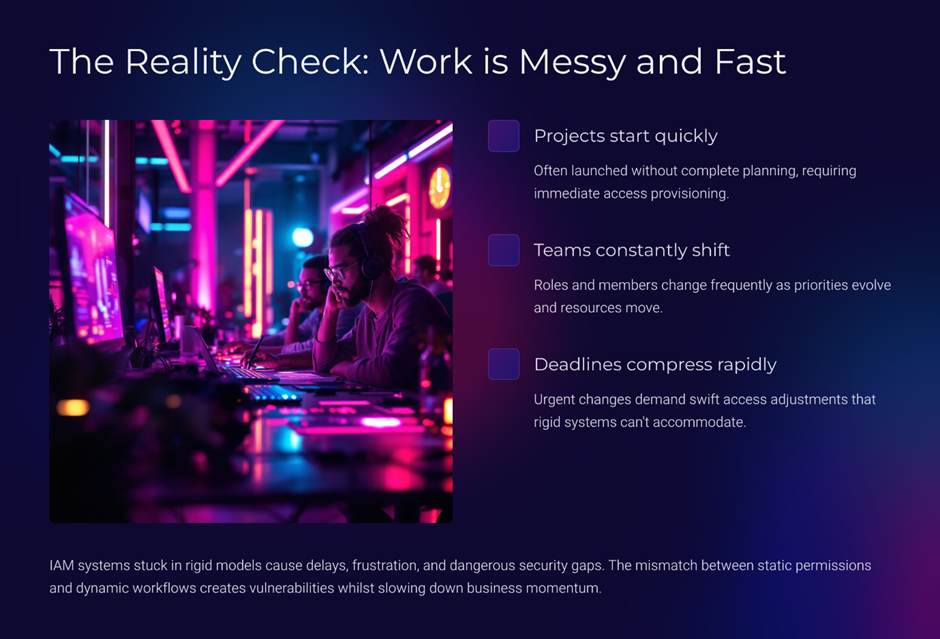
- IAM often assumes linear workflows.
- Reality is messy.
- Projects start fast.
- Teams change.
- Deadlines compress.
Human-friendly IAM accounts for
- temporary access needs,
- cross-functional roles,
- emergency scenarios.
But with:
- clear expiry,
- audit visibility,
- automated rollback.
Flow does not mean chaos.
It means controlled flexibility.
IAM Fatigue Is a Leadership Problem
IAM fatigue does not start at the keyboard. One of the most overlooked truths about IAM is this: human-friendly design is not the responsibility of the UX team alone; it is a leadership decision. The tone of your IAM experience is set long before a screen is designed or a workflow is configured. It is shaped by what leadership prioritises, tolerates, and measures.
When success is defined purely by policy enforcement, ticket closure rates, or audit completion, IAM naturally becomes rigid. Teams optimise for control, not comprehension. Over time, this creates a quiet divide between security teams and the business, where IAM is seen as something to endure rather than engage with.
Over decades, I have learned that human-friendly IAM starts with asking uncomfortable questions:
- Are we designing access for how work should happen, or how it actually happens?
- Do our approval workflows respect the cognitive load of managers?
- Are we rewarding secure behaviour, or just punishing mistakes?
In high-performing organisations, IAM leadership shifts from policing to stewardship. Leaders invest time in understanding how employees experience access friction daily. They sponsor redesign efforts not to make IAM “nicer,” but to make it more effective under real-world pressure.
This shift pays off quickly. Decision quality improves. Resistance drops. Access reviews become meaningful. Most importantly, security stops feeling adversarial and starts feeling collaborative.
Human-friendly IAM is not about lowering standards.
It is about raising the quality of decisions, at scale.
And that is a leadership outcome no technology can deliver on its own.
Why This Matters More in the Age of AI and Zero Trust
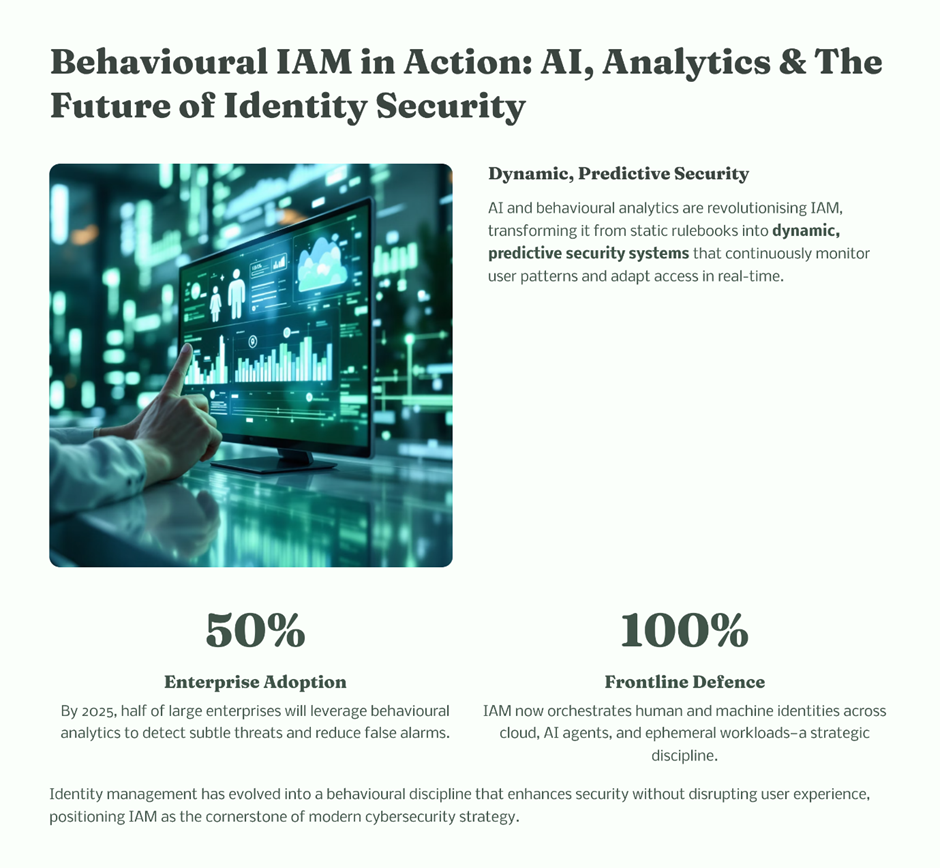
As IAM becomes more intelligent:
- predictive access,
- adaptive authentication,
- behavioural analytics,
- The human layer becomes even more critical.
- Automation amplifies design flaws.
- Bad UX + AI = faster mistakes.
"Human-friendly design ensures intelligence enhances security instead of accelerating risk."
Final Thought from the Field
Security does not fail because people are careless.
It fails when systems demand perfection from humans.
The future of IAM belongs to organisations that:
- respect human behaviour,
- design for real-world decisions,
- and treat experience as a security control.
Flow is not the absence of control.
It is the presence of clarity.